
Laravel Queues and Scheduler for Business Automation
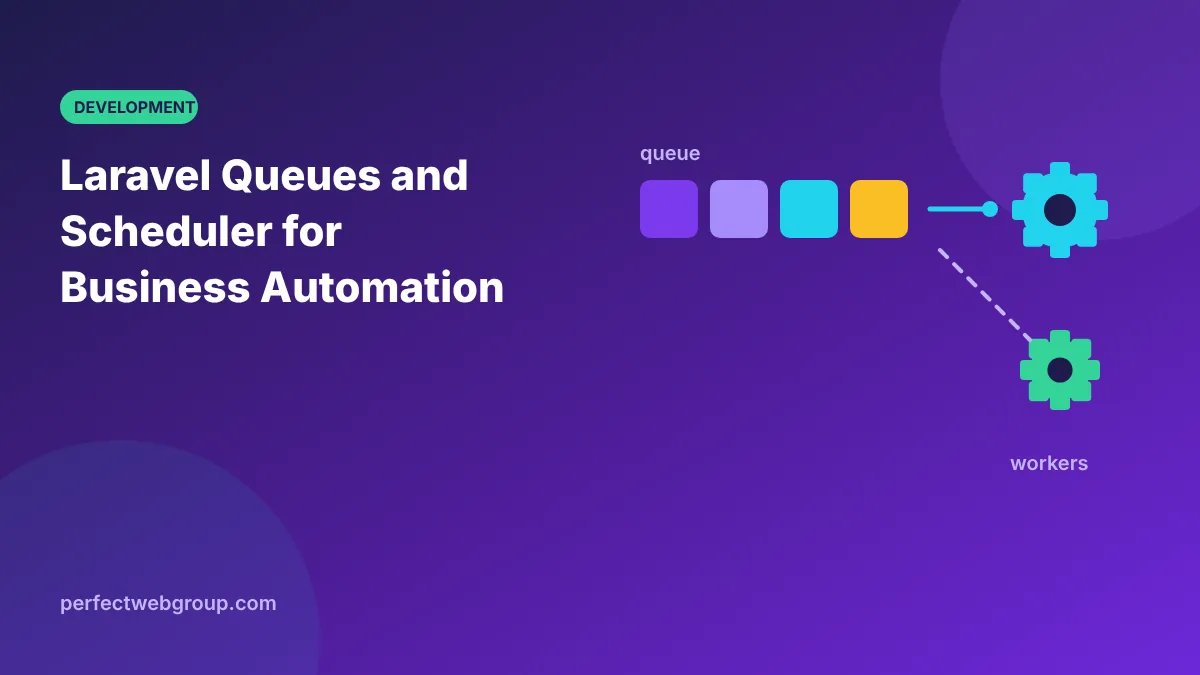
Some tasks should not happen while a visitor waits: sending emails, generating PDFs, syncing with a CRM or resizing images. Laravel's queues and scheduler move this work into the background.
Queues: Work Without the Wait
A queue stores jobs to be processed by background workers. When a visitor submits a form, the site saves the enquiry, responds immediately and queues the notification email. If an external service is slow or temporarily down, jobs can retry automatically instead of failing silently.
Common queued jobs:
- Lead notifications and auto-replies.
- CRM or spreadsheet syncs.
- Image and document processing.
- Webhook handling from payment or booking providers.
The Scheduler: Recurring Tasks in Code
Laravel's scheduler defines recurring tasks in code, triggered by a single server cron entry that runs every minute. Typical schedules:
- Daily reports emailed to managers.
- Nightly data imports or exports.
- Weekly cleanup of expired records.
- Reminder emails before appointments.
Reliability Practices
- Use a dedicated queue driver (such as Redis or the database) rather than synchronous processing in production.
- Monitor failed jobs and set alerts.
- Make jobs idempotent, so running one twice does not cause duplicates.
- Restart workers after each deployment.
Where to Start
List the manual, repetitive tasks your team does every week. Many can become scheduled or queued jobs with modest development effort. Our custom software development team builds these automations into Laravel applications.
Frequently Asked Questions
Do queues need extra hosting?
They need a process that keeps workers running, such as Supervisor on a VPS; some hosts offer this built in.
What happens if a job fails?
Laravel can retry it and record failures for review.
Can the scheduler replace manual reports?
Yes, for reports built from data the application already holds.
Comments
Comments appear after admin approval.