
Cloudflare WAF Basics for Business Websites
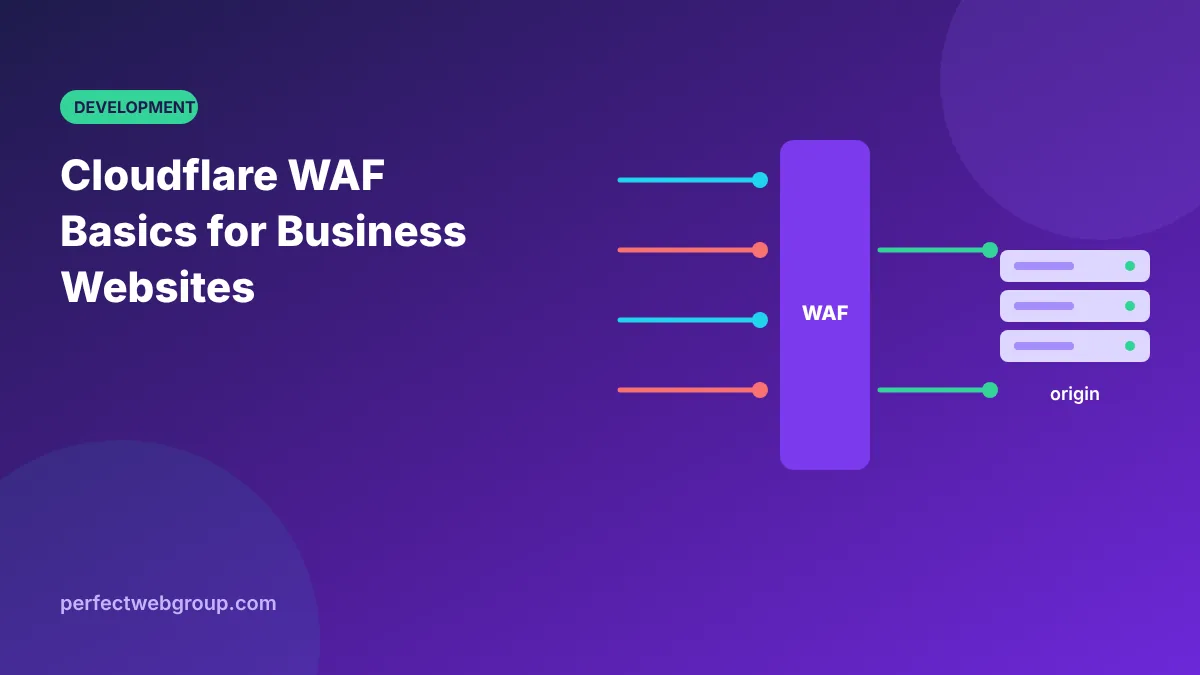
A web application firewall (WAF) sits between visitors and your server, filtering malicious requests before they reach your site. Cloudflare offers WAF features at different plan levels, which makes it a common choice for business websites.
Core Features
- Managed rules: pre-built protections against common attack patterns, with coverage depending on plan.
- Custom rules: your own conditions, such as blocking requests to paths your site does not use or challenging access to login pages.
- Rate limiting: slowing or blocking repeated requests, for example to forms or login endpoints.
- Challenges: asking suspicious visitors to pass a check instead of blocking them outright.
Practical Rules for Business Sites
- Block requests for software your site does not run, such as WordPress paths on a Laravel site.
- Challenge access to admin and hosting control panel logins.
- Rate-limit form submissions.
- Allow verified search engine bots.
Test Before You Enforce
Start rules in a logging or challenge mode, review events, then tighten. Avoid broad country blocks or aggressive bot settings that can block real customers and legitimate crawlers.
Monitor and Review
Check security events regularly, adjust rules when you add new features, and document every rule so others understand why it exists.
Our web development team configures Cloudflare protection alongside secure application code.
Frequently Asked Questions
Does Cloudflare slow down websites?
Properly configured, it often improves speed through caching and its global network.
Is the free plan enough?
It covers basic protections and a limited number of custom rules; larger sites may need more.
Can a WAF block Google?
Badly written rules can; always allow verified bots and test changes.
Comments
Comments appear after admin approval.