
Website Security Headers Explained: CSP, HSTS and More
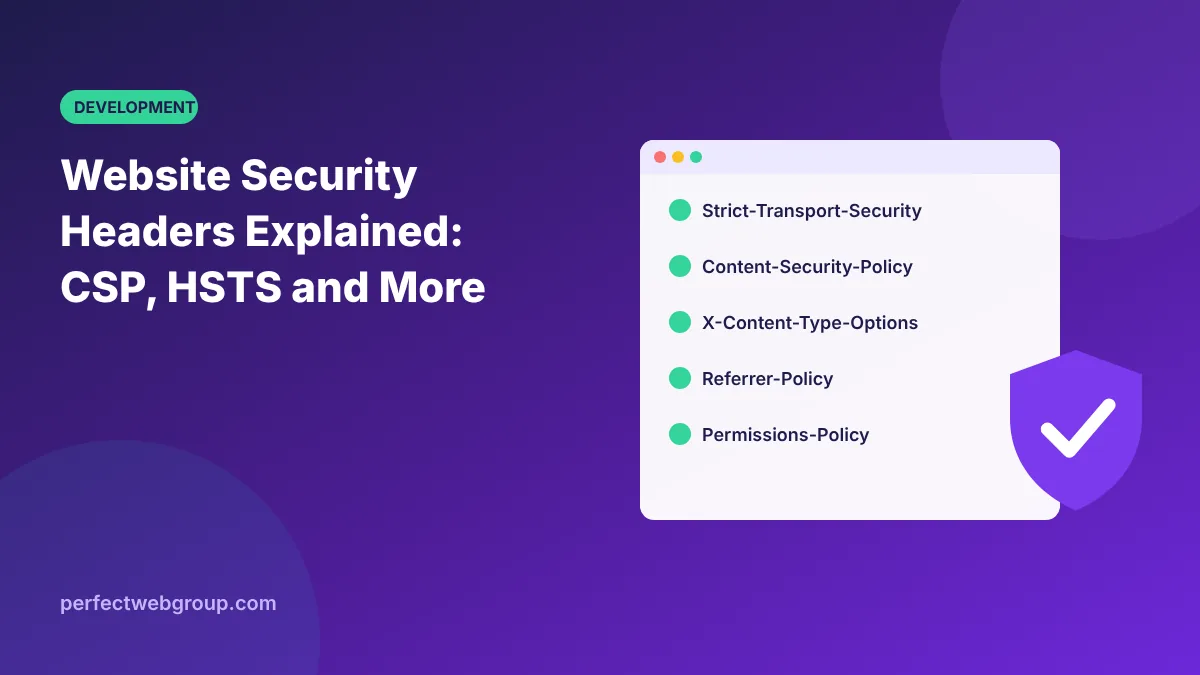
HTTP security headers tell browsers how to handle your site's content. They are a low-cost layer of protection on top of SSL and secure code.
Key Headers
| Header | What it does |
|---|---|
| Strict-Transport-Security (HSTS) | Forces browsers to use HTTPS on future visits |
| Content-Security-Policy (CSP) | Limits which scripts, styles and resources can load |
| X-Content-Type-Options: nosniff | Stops browsers guessing file types |
| Referrer-Policy | Controls how much URL information is shared with other sites |
| Permissions-Policy | Restricts access to features such as the camera or geolocation |
| X-Frame-Options or CSP frame-ancestors | Prevents your pages being embedded by other sites (clickjacking) |
Rolling Out CSP Safely
CSP is the most powerful header and the easiest to break things with. Start in report-only mode, list the domains your site genuinely needs (analytics, fonts, embeds), then enforce it gradually. Review the policy whenever you add a new third-party tool.
HSTS Precautions
Enable HSTS only once every subdomain works over HTTPS, and start with a short max-age before increasing it.
Testing
Check headers with browser developer tools or online header scanners after each change, and confirm forms, analytics and embeds still work. See also SSL and trust signals.
Our web development team configures security headers without breaking site features.
Frequently Asked Questions
Do security headers affect SEO?
Not directly, but they support a secure, trustworthy site.
Can a wrong CSP break my site?
Yes. That is why report-only testing comes first.
Where are headers configured?
In the web server, the application or a CDN.
Comments
Comments appear after admin approval.