
Building Internal Dashboards and Reporting Tools
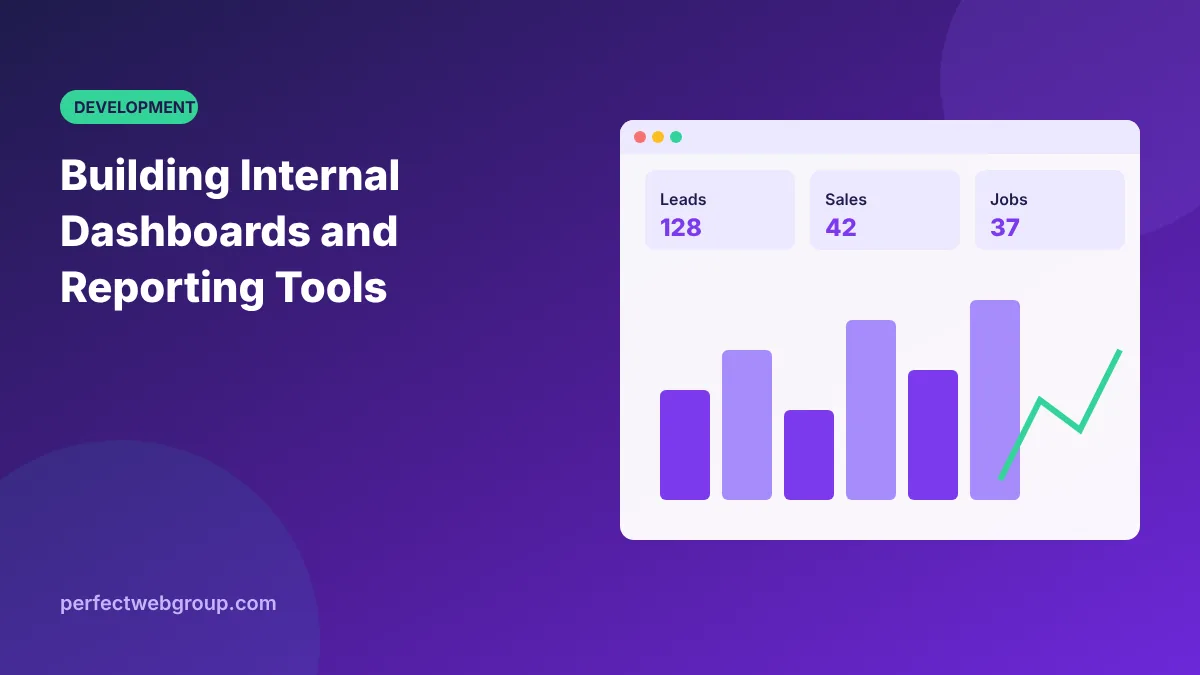
Managers often piece together reports from several tools every week. An internal dashboard brings key data into one place and updates automatically.
Start With Decisions, Not Charts
List the decisions the dashboard should support, such as where to spend marketing budget, which jobs are behind schedule, or which services are most profitable. Then choose the few metrics that inform them. See website metrics that matter.
Data Sources
Common sources include the website database, CRM, GA4, ads platforms, accounting software and spreadsheets. Check which offer APIs or exports, and how often data needs refreshing.
Build Options
- BI tools connected to data sources: quick for standard reports.
- Custom dashboards inside your web application: suited to operational data, custom calculations and role-based views.
- Hybrid: a custom data layer feeding a BI tool.
Good Dashboard Practice
- Define each metric clearly, in writing.
- Show trends and targets, not just totals.
- Restrict access by role.
- Automate data refreshes and alert on failures.
Track lead events consistently first; see GA4 key events for lead generation. Our custom software development team builds reporting tools and dashboards.
Frequently Asked Questions
Do we need a data warehouse?
Not at first; many SME dashboards read directly from a few sources.
How many metrics should a dashboard show?
Only those that support decisions; often fewer than ten per view.
Can dashboards update in real time?
Some data can; others update on a schedule depending on the source.
Comments
Comments appear after admin approval.